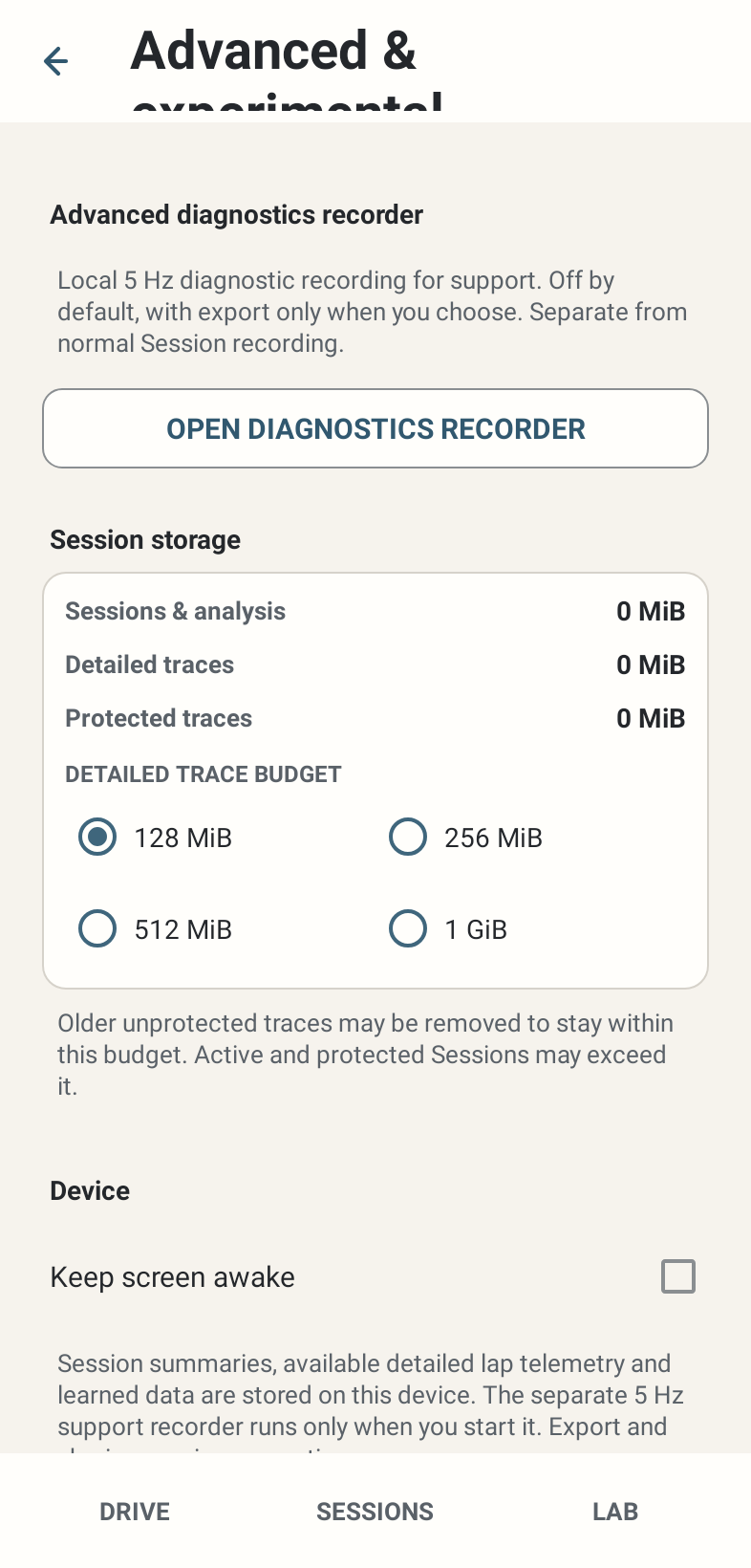
Where: Settings → Advanced & experimental → Session storage.
How to use it
- Sessions & analysis is the broader local storage figure. Detailed traces measures retained detailed trace data. Protected traces is the protected subset, not an extra amount to add to the total.
- Choose a detailed trace budget: 128 MiB, 256 MiB, 512 MiB or 1 GiB. The default is 128 MiB. The compact selector retains the choice immediately.
- Star important Sessions and export independent packages. Older eligible unprotected detailed traces may be removed to meet the budget while their summaries remain.
- Active Sessions, protected Sessions, data being finalised/exported/imported and the just-finalised Session have safety exceptions. They can take usage beyond the selected budget.
- When detail cannot safely be promised before a drive, the app offers Manage storage or explicit Continue summary only. Summary-only driving saves Session summaries without detailed lap telemetry for that drive.
Options and defaults
Detailed trace budget
- Default
- 128 MiB
- Options
- 128 / 256 / 512 MiB / 1 GiB
- Meaning
- Older eligible unprotected detail can be removed
Manage storage
- Default
- Manual action
- Options
- Advanced storage page
- Meaning
- Available when detail preflight needs attention
Continue summary only
- Default
- Explicit per-drive confirmation
- Options
- Summary only
- Meaning
- No detailed lap capture for that drive
How it works
The budget governs detailed trace retention, not the entire application folder or a promised number of recording hours. Protection and active ownership take precedence over eviction. Lowering a budget is not a safe backup strategy.
Limitations
Phone free space is a separate constraint. Removed or never-recorded detail cannot be recovered from the summary alone. Export availability and successful file selection are separate from a cloud backup. Real storage MB/hour and 30–60-minute performance still require device measurement.